
We're happy to announce the release of Team Password Manager v. 14.190.309, now available for download and upgrade.
This new version features passkey authentication for local users.
With passkey authentication, users can sign in using passkeys previoulsy created and stored on supported devices or USB security keys (for example, Yubikey), providing a faster, passwordless sign in experience while maintaining strong security. Traditional username and password authentication continues to be fully supported.
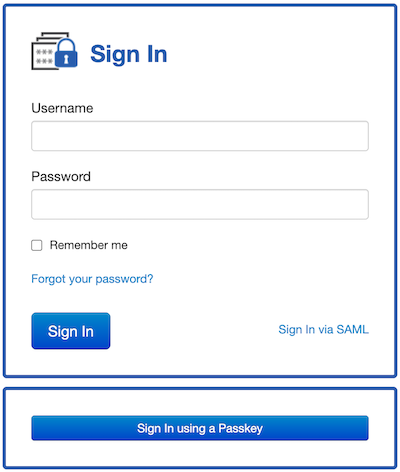
Read the document on passkey authentication to learn how it works in Team Password Manager.
With passkey authentication, Team Password Manager now has 4 ways of authenticating its users: local users, SAML users, LDAP users and passkeys.
This version also includes a couple of small improvements, be sure to review the full changelog for details.
As a curiosity, the first public version of Team Password Manager, 1.0.8 was released Jun 30, 2011, exactly 15 years ago!
So, we’re grateful for your feedback and suggestions, which continue to drive our development since 2011.
